For an app with accounts, payments, and destructive actions, test three things first: whether one user can read another user’s data, whether the payment or entitlement grant can be faked, and whether deletion or cancellation affects only the intended records. Adjust that starting set when the app has a different risk profile. These paths can lose money or data when they break, and a builder’s usual happy-path demo is unlikely to exercise them fully.
Why a passing demo is not a passing test
A demo is one happy-path run by the person who knows the app. You click sign up, click the button that matters, watch the right thing happen, and conclude the app works because, in that narrow sense, it does. A demo does not settle what happens when account B requests account A’s invoice, a webhook arrives twice, or an unauthorized user reaches a destructive action. An automated test runs a named failure case whenever the suite is triggered, without relying on someone to remember it. If a TestFlight beta review or an App Store submission is the actual near-term deadline instead of a public launch, that reviewer is the first stranger. Do not assume which path a reviewer will exercise; run the risk-based checks before submission.
The trap the corpus exposed: tests that exist and prove nothing
Of the fixed cohort of 26 apps AxonBuild reviewed in June and July 2026, one had a working automated test suite. That suite still never touched sign-up, login, or the payment webhook, three flows a new user may hit first. The coverage findings were checked against the relevant test and application paths rather than inferred from filenames or a test-folder count. I read the test files. Login was not covered.
A second app, a retail point-of-sale system, told the inverse version of the same story: a test suite big enough to look thorough, green on every run, that never once called the function that actually creates a sale. The fuller version of that one is its own post, because the mechanism behind a green suite lying to its owner deserves the space; here it’s the second data point for the same trap, not the headline.
As a worked web application testing example, here are three signals that read as coverage next to the check that would actually earn each one:
| Looks tested | Actually tested |
|---|---|
| The app has a __tests__ folder with dozens of passing files | A test signs in as a second account and confirms it cannot read the first account’s row |
| CI shows a green checkmark on every push | The green checkmark covers sign-up, login, and the endpoint that grants access |
| The checkout flow has "test coverage" | One of those tests actually calls the function that creates the sale |
A test suite that skips login and checkout can stay green while the app loses money.
The POS suite contained hundreds of lines, yet the production sale path was absent. A full accounting of every app’s test coverage, all 26 of them, gets its own tally in a separate piece; the narrower lesson here is that the presence of tests does not establish that the highest-consequence paths are covered. What a green suite cannot see, blind spot by blind spot, earns its own separate walkthrough; the one-line version is that a test only proves the code it actually calls.
How to test AI-generated code you didn’t write
If you are not certain the app in front of you was built by prompting in the first place, that is a separate question with its own answer, readable from the repository history and the shape of the code rather than from any test result.
Testing an app you did not write starts without complete source familiarity. Define behavior contracts first: two separate accounts, a webhook you can observe, and one safe failure you force on purpose. Use source and configuration inspection alongside those checks to discover additional paths and diagnose why a behavior passed or failed.
Two accounts, not two browser tabs on the same login. Create a second account, sign into it separately, and substitute a record that belongs to the first account using the same request shape the app sends. This verifies the authorization outcome directly. Source review remains useful for finding other paths and understanding why a control passed or failed.
A webhook log, because a payment or subscription event that arrives and does nothing is invisible from the UI. Trigger a test event from your payment provider’s test environment, then confirm that the endpoint received it, validated its signature if the provider signs events, recorded the event ID, returned the intended response, and produced the expected entitlement change exactly once. If nothing changed, those observations tell you whether the problem is delivery, verification, processing, or the side effect; the UI alone cannot.
A forced failure, because the demo only shows the path where everything goes right. In an isolated test environment, send a malformed request, expire a disposable token mid-session, or interrupt a test request, then watch what the user sees: a failure that is clear and recorded, or one that disappears while the interface calls itself done.
Write the isolation test as a behavior contract before translating it into your framework:
| Setup | Action | Passing result |
|---|---|---|
| Account A owns a real test record; Account B is signed in separately | B sends the same read or update request the app uses, substituting A’s record ID | The request is denied, no protected fields are returned, and A’s record is unchanged |
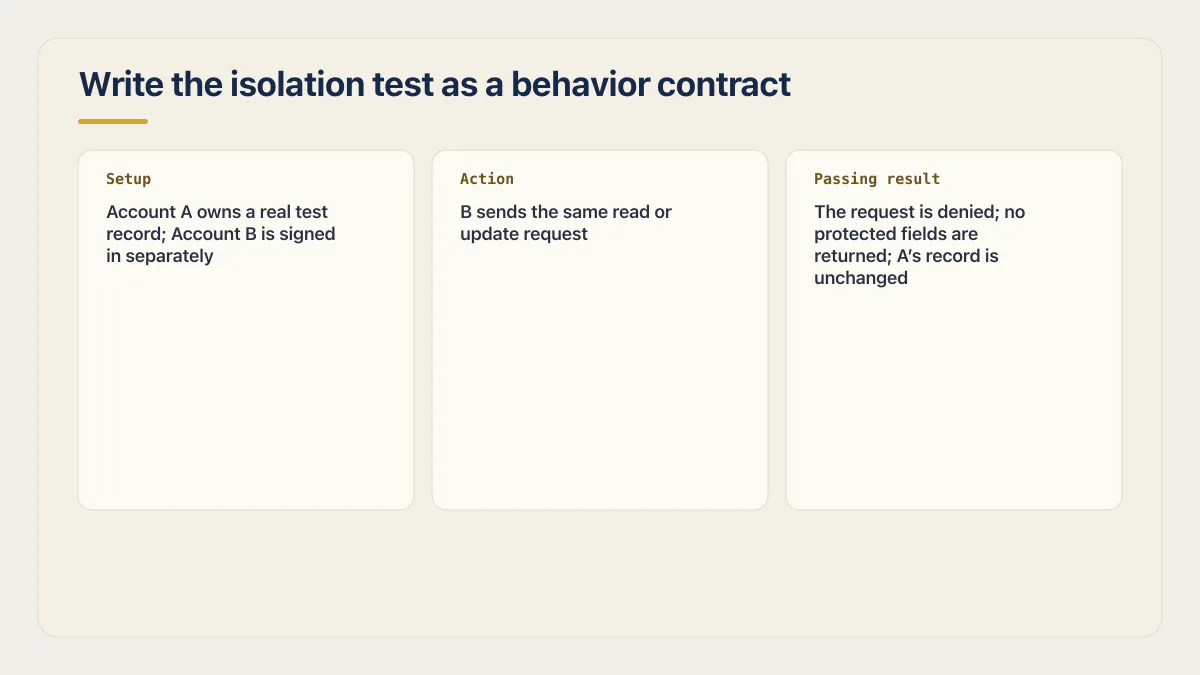
Run it against an isolated test environment with disposable accounts. This settles a question source inspection alone cannot: whether the authorization check stops the real request, rather than merely existing somewhere in the code.
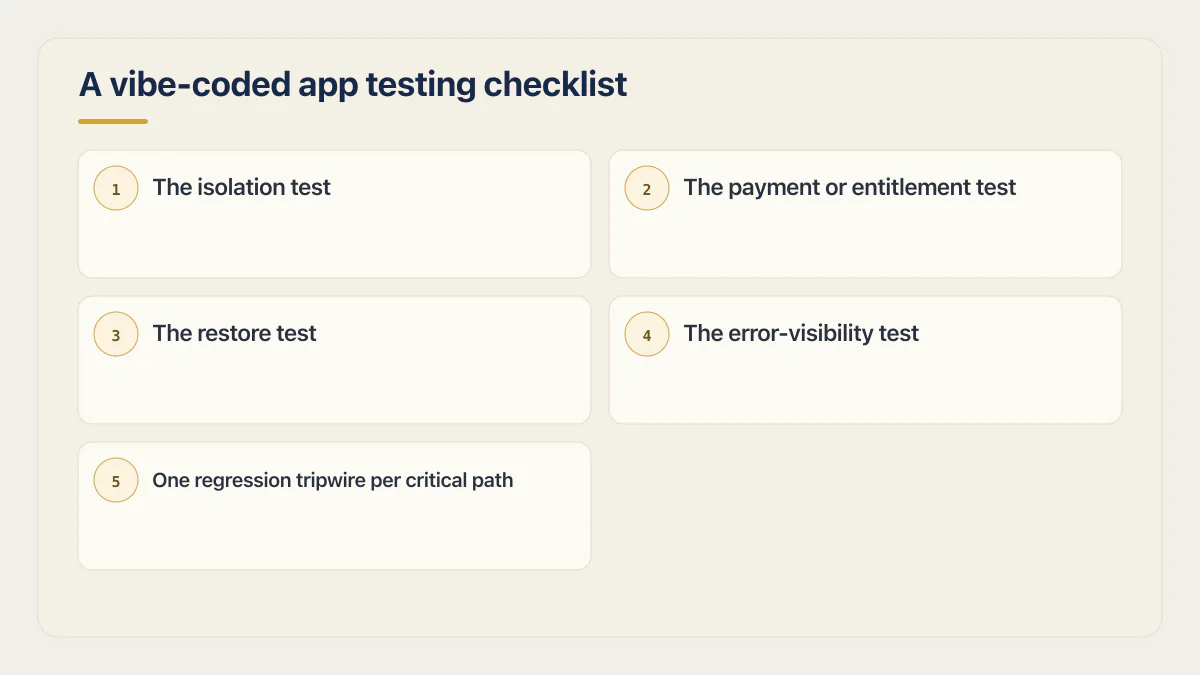
A vibe-coded app testing checklist, in order of consequence
You do not need a perfect coverage percentage before beginning useful testing. Start with a handful of checks pinned to the paths with the largest plausible consequence, then change the order to match the app’s data, roles, revenue model, and recovery needs.
- 01 The isolation test: a second account cannot read or write the first account’s data, run against the request shape your app actually sends.
- 02 The payment or entitlement test: the event that’s supposed to grant access actually grants it once, and a canceled or failed payment revokes it under the intended policy.
- 03 The restore test: restore a current backup into an isolated recovery target, then verify record counts, relationships, and one critical read and write.
- 04 The error-visibility test: force a harmless failure and confirm it appears in the channel someone actually monitors, with enough context to reproduce it.
- 05 One regression tripwire per critical path: a test that fails the moment a later edit undoes the behavior you just fixed.
The restore test belongs on this list for a reason that has nothing to do with testing code: an untested backup and no backup are the same thing until the day you need one, and that’s a different kind of drill with its own full walkthrough. The last item is the one that keeps paying off after launch: a regression tripwire doesn’t need to be clever, it just needs to run on every push and fail loudly when a change to unrelated code quietly breaks the path it’s watching, the same fix-loop problem that makes an AI-built app harder to change every week when nothing is pinned against it. CI/CD best practices covers the one workflow that runs lint, typecheck, build and tests on every pull request before anything merges.
Manual testing vs automated testing for a vibe-coded app
Manual testing is what you do this week: walk sign-up, walk the core action, walk the destructive one, on a real account, by hand, before you ship anything you can’t undo. It’s fast and needs no test framework, though it still needs the disposable accounts, isolated target and test-mode payments described above, and it catches the failure sitting there right now. What it doesn’t catch is the failure that shows up three prompts from now, after an unrelated fix reopens today’s gap with nothing telling you it happened. An assistant re-editing a file it didn’t just touch is how the app you tested Tuesday stops matching the app your users hit Friday. What actually changed after an edit like that, and how to tell before a customer does, is its own separate question worth answering in full.
Automated testing is the same check running itself. One initial test per critical path, pinned to the behavior above, can turn “did the last change break checkout?” from a question a support ticket answers into one a failing build answers before release. As a starting set, write the isolation test, the payment test, and one tripwire per path that costs money if it breaks, and let those three or four run on every push, a smaller list than a QA team would prescribe because a QA team is not what most vibe-coded apps have. A test an agent can run itself also changes what a session costs, which is part of what Claude Code costs when an agent builds a real app. Then expand for additional roles, payment states, destructive actions, and failure variants. How to write end to end smoke tests walks through signup, login, the core action and payment, plus the auth and billing unit tests behind them.
These behavioral checks have limits. They do not prove every authorization path, dependency, failure mode, or attack surface is safe. Keep the claim proportional: the tests above protect the highest-consequence paths you selected, and other risks need their own tests or a deeper read of the code. They also do not say whether the people it was built for want it, which is the other question the word testing is doing duty for.
Common questions about testing a vibe-coded app
Do vibe-coded apps need tests?
Yes. In the fixed cohort of 26 apps reviewed in June and July 2026, at least 23 had no working automated tests, and the one credited suite still skipped sign-up, login, and the payment webhook. A repeatable test gives later edits a stable behavior to check instead of relying on memory of the first demo.
How to test an AI application?
Test it by behavior, in order of consequence: two separate accounts to prove one cannot read the other’s data, one real payment or entitlement event confirmed to grant access exactly once, and one failure you force on purpose to see whether it reaches a log someone reads. If the app calls a model, add a check for what happens when the model returns something empty, malformed, or slow, because that is the failure path a generated test suite is least likely to have written.
How do I test a vibe-coded app without a formal QA process?
Start with the three behaviors above, run manually the first time and automate the stable checks afterward: a second account trying to read the first one’s data, a payment event confirmed to grant or revoke access exactly as intended, and one forced failure to see whether it is recorded. Add a named owner, environment, and expected result to each check so a later run means the same thing.
Is testing vibe-coded apps different from testing normal software?
The testing principles are not different. When you did not write the code, a behavior-first contract gives you a reliable starting point without requiring complete source familiarity. Source and configuration inspection still matter when you need to find untested paths, diagnose a failure, or verify that the test environment matches production.
How many tests do I actually need before I launch?
There is no universal launch number. Start with one test for each critical account boundary, money or entitlement path, destructive action, and failure signal, then add coverage for supported roles and variants. Three to five may be a useful first set for a very small app, but the passing criterion is that every critical path has an explicit check, not that the suite reached a target count. That is one part of the larger question of whether an AI-built app is ready to launch.
If this checklist left you with more open items than you expected, the sprint below works through all of them in ten working days.
Built it with AI. Now it has to hold up for real customers.
The Production Hardening Sprint takes the app you already have and builds the production foundation underneath it. Authentication and access rules, payments that stay consistent, error handling, monitoring, backups, automated tests and a documented handover. Our engineers work inside your existing codebase for ten working days. All 123 deliverables are included, and you get the evidence for each one.
See the Production Hardening Sprint →  $2,500 fixed price · 10 working days · One codebase